







USB2DMX PRO

At a glance
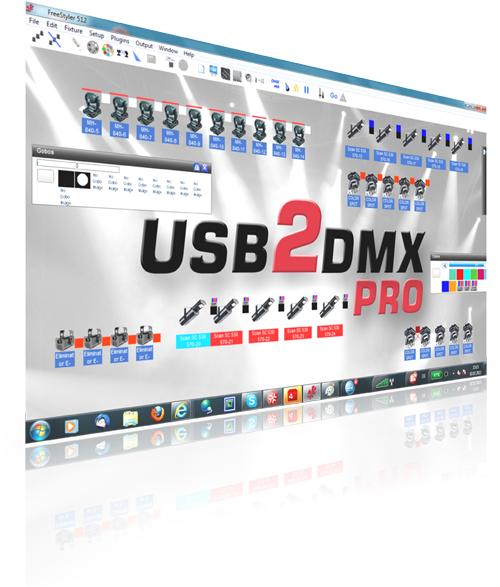
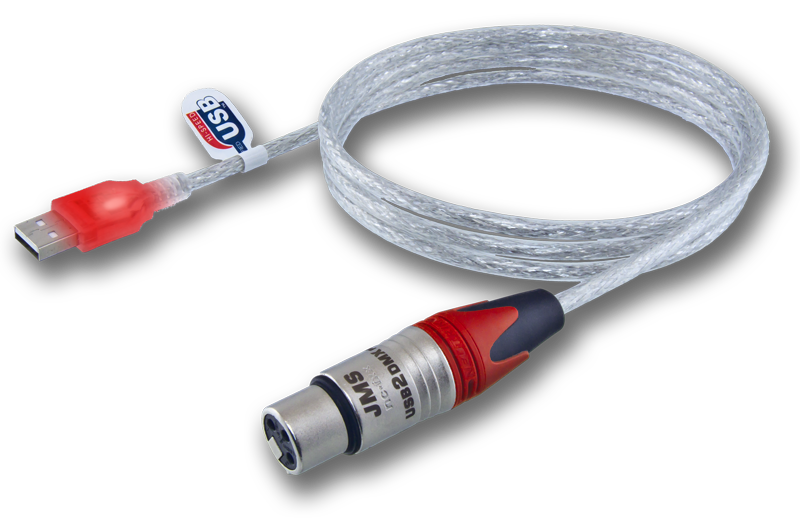
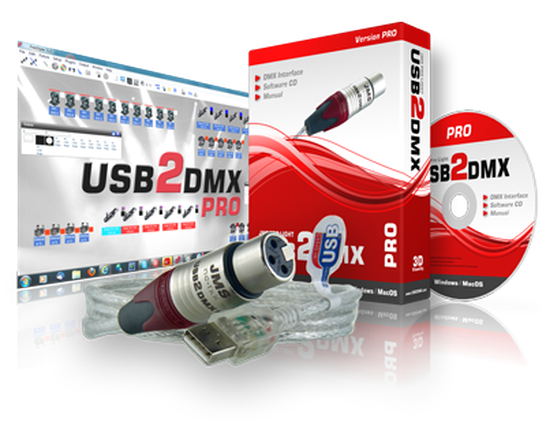
The USB2DMX PRO is a flexible, easy to use PC based DMX interface – one of the most popular PC based controllers in the industry for more than a decade.
- Easy installationincl. CD software pack
- USB poweredPower supplied over USB
- 512 DMX channelsWithout restriction
- 3 years warrantyPremium support
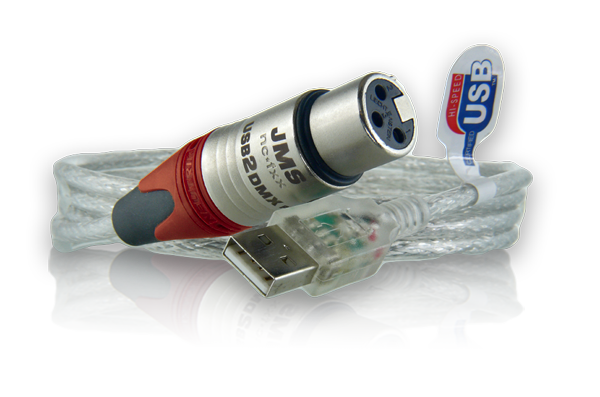
- 3-pin Neutrik XLR socketNo adapter needed
- WindowsAll versions 7 / 8 / 10 / 11
- MAC OS XAll versions from 10.4
- Red power LEDin the USB connector
- Ultra compact
- USB 1.1 / 2.0 / 3.0
- Made in Germany
- Developed in Germany
- Fast USB driver
USB2DMX PRO
Easy installation
Ready to use in three steps. The full illustrated guide is under Installation.
-
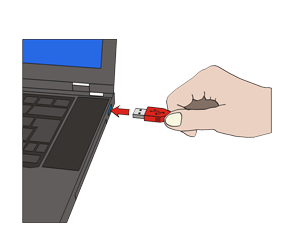 Step 1
Plug in the interface
-
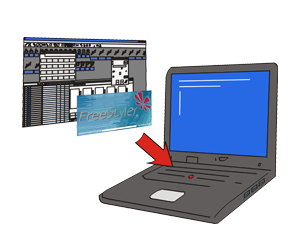 Step 2
Install the software
-
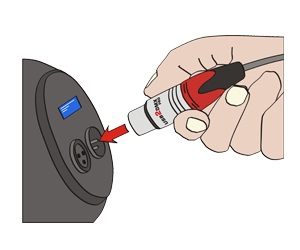 Step 3
Connect the DMX device
Older systems: under Windows 7 and Windows XP the USB driver may still have to be installed. In that case it is installed before the interface is plugged in for the first time. All driver files are under Downloads / drivers.
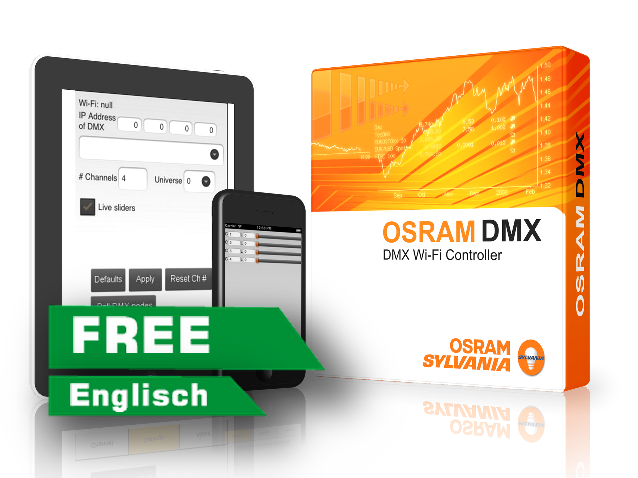
OSRAM Controller
Android DMX controller app
An implementation of the DMX protocol with ArtNet II in UDP unicast mode. Up to 512 devices and 16 universes can be controlled.
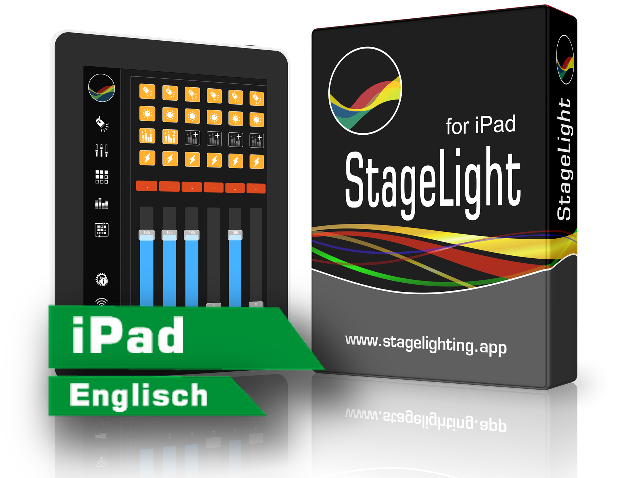
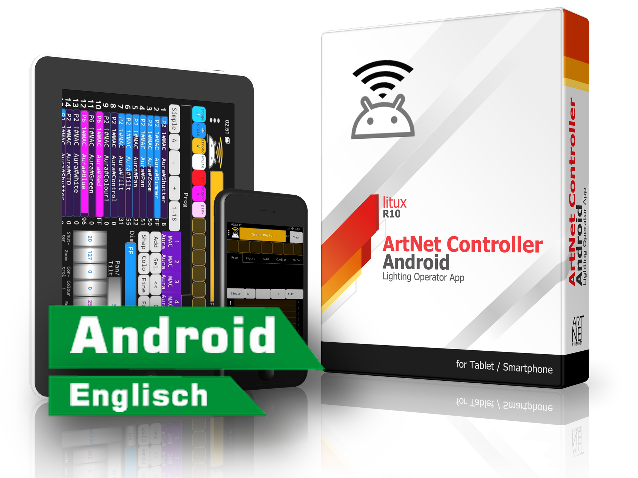
ArtNet Controller
Android DMX controller app
For testing and trying out the ArtNet protocol – and to run a simple show if the main controller fails.

Windows ALL IN ONE driver
DMX USB driver 2.12 – for all Windows versions
MAC OS X driver
USB driver 1.2 – for all Apple OS X versions
macOS Helper
For macOS driver problems (10.11 El Capitan / 10.12 Sierra / 10.13 High Sierra)
USB2DMX driver uninstaller
Windows USB driver uninstaller 1.4 for USB2DMX PRO & OPTO
USBDMX EnergyFixer
Fixes USB dropouts under Windows 10
USB2DMX PRO
Questions and answers
What is the difference between USB2DMX PRO and OPTO?
The USB2DMX OPTO has everything the PRO has, plus:
- Galvanic isolation. The USB port is completely separated from the DMX circuit.
- Blue LED in the XLR connector. Signals that the galvanic isolation is active.
- Red LED in the XLR connector. Lights up when DMX signals are being sent.
The full comparison of all interfaces is in the feature list.
Can I use the Sunlight software?
No. The Sunlight software does not support the Open DMX protocol.
Why can I not use the macOS driver?
From macOS 10.9 onwards Apple locks out the required driver: it is installed but cannot be used. The macOS Helper removes that lock. A restart is required afterwards; only then may the interface be plugged in. The full illustrated guide is under Installation.
How do I install the Windows driver?
The installer must be run as administrator: right click → “Run as administrator” → Extract → Next → accept the licence → Finish. The USB driver is then ready and the interface can be plugged in. The illustrated guide is under Installation.
Not sure whether this is the right interface?
Tell us what needs to be controlled – we will tell you what fits.