
WINDOWS
Detailed instructions for Windows USB driver installation.
To the guide

Homepage › Installation
USB2DMX
Plug it in, install the software, get going. Current Windows and macOS versions already bring the matching USB driver with them.
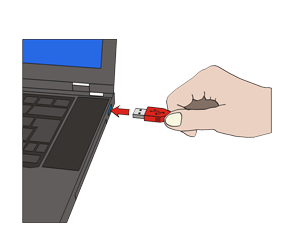
Interface into a free USB port. Power comes over USB.
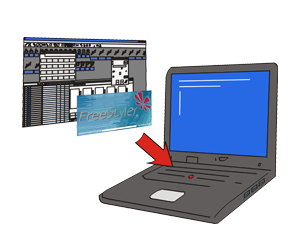
Install the control software of your choice and select the JMS USB2DMX interface in it.
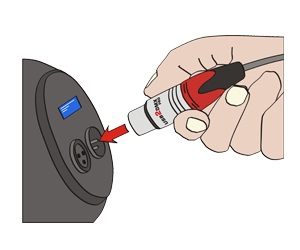
DMX line from the 3-pin Neutrik XLR socket to the first device. No adapter needed.
Older systems: under Windows 7 and Windows XP the USB driver may still have to be installed. In that case it is installed before the interface is plugged in for the first time. All driver files are under Downloads / drivers.
Driver
Illustrated guides for Windows and macOS are in the service area.
Detailed instructions for Windows USB driver installation.
To the guide
Detailed instructions for the macOS X USB driver installation.
To the guide
Detailed guide to the Linux USB driver installation.
To the guide
On Android no separate driver installation is required.
To the answerWe look forward to your message or feedback and are happy to answer your questions that couldn't be answered on the website or in the FAQ.