
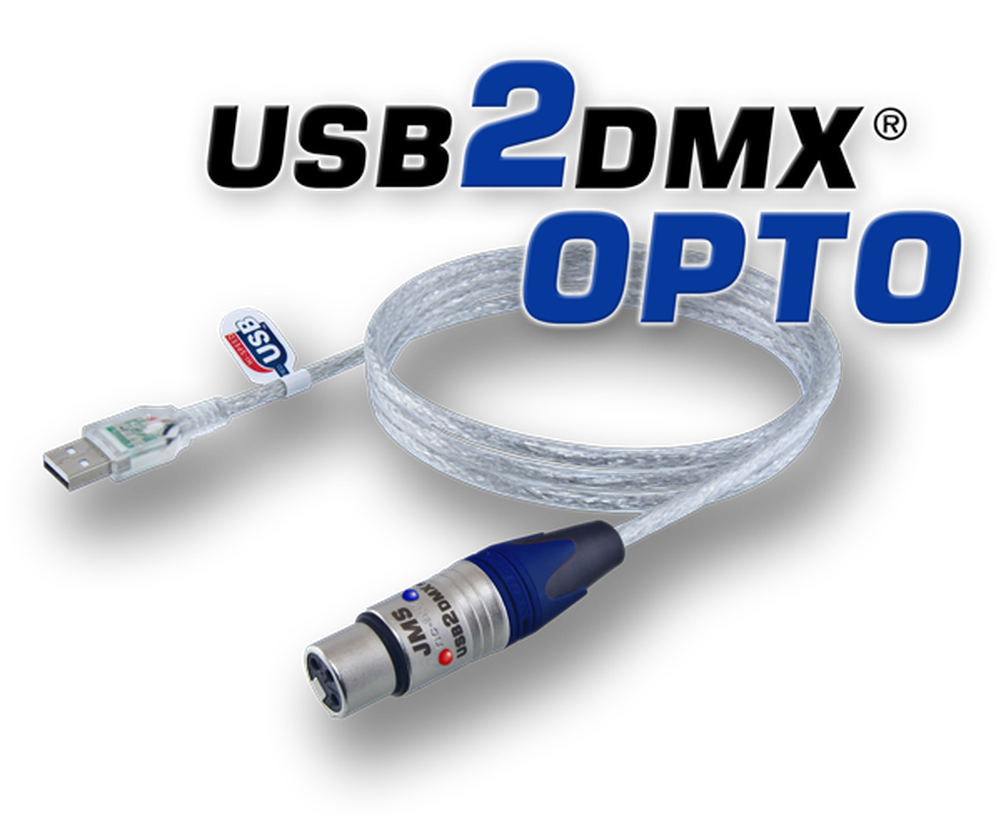
USB2DMX OPTO






OPTICALLY ISOLATED
512 DMX CHANNELS
GALVANIC POWER LED
MADE IN GERMANY
DMX OUT
USB DMX INTERFACE
Galvanic isolation with status LED
At a glance
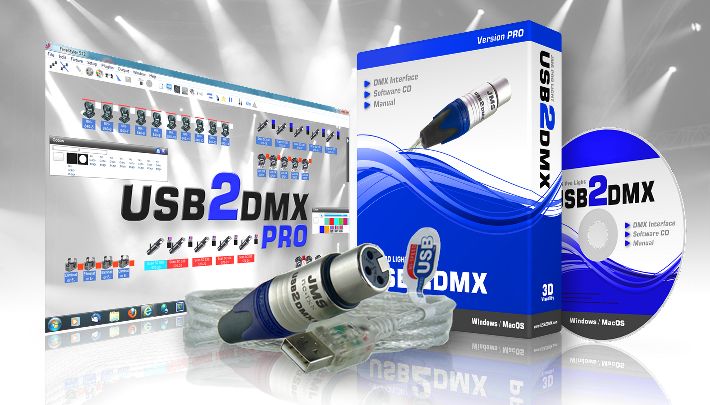
Like the PRO, plus optical signal separation. The interface isolates the computer electrically from the DMX line so that ground loops and voltage spikes from the rig never reach the USB port.
- Optical separationElectrically / galvanically isolated
- Blue LEDSignals that the optical separation is active
- Red DMX signal LEDLights up at DMX signal output
- Easy installationincl. CD software pack
- 512 DMX channelsWithout restriction
- 3 years warrantyPremium support
- WindowsAll versions 7 / 8 / 10 / 11
- MAC OS XAll versions from 10.4
- Ultra compact
- Windows 11 / macOS 16 / iOS 19
- Made in Germany
- Fast USB driver
- 3 years warranty
USB2DMX OPTO
Easy installation
Ready to use in three steps. The full illustrated guide is under Installation.
-
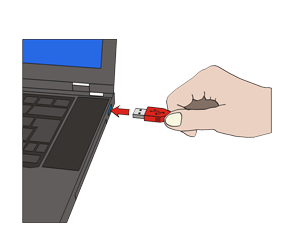 Step 1
Plug in the interface
-
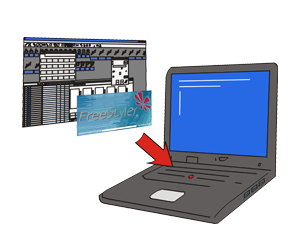 Step 2
Install the software
-
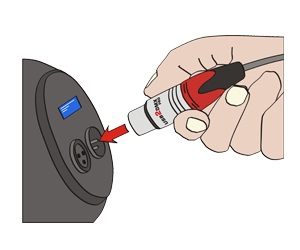 Step 3
Connect the DMX device
Older systems: under Windows 7 and Windows XP the USB driver may still have to be installed. In that case it is installed before the interface is plugged in for the first time. All driver files are under Downloads / drivers.
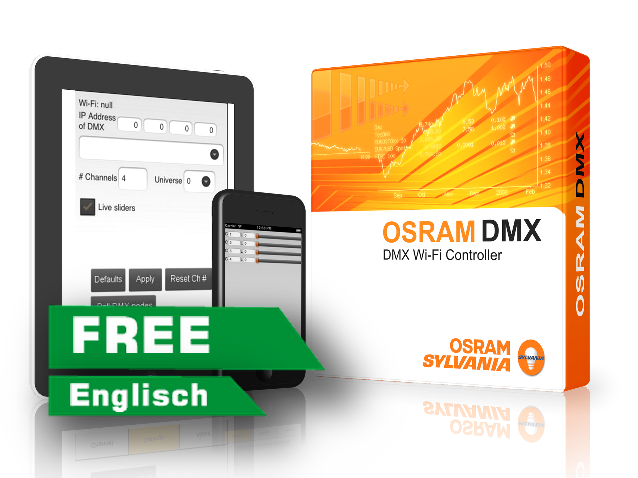
OSRAM Controller
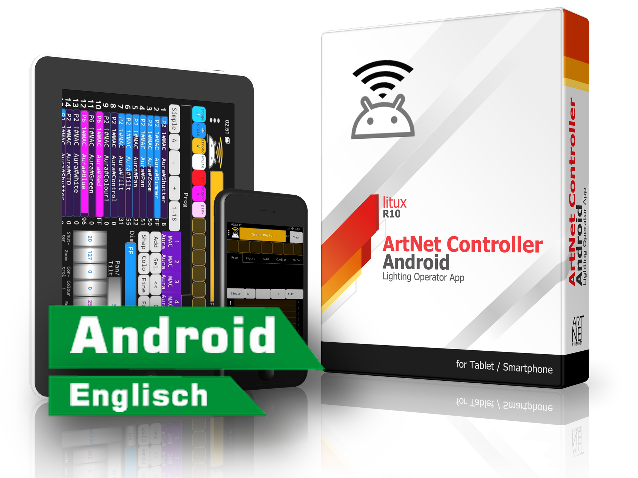
Android DMX controller app
An implementation of the DMX protocol with ArtNet II in UDP unicast mode. Up to 512 devices and 16 universes can be controlled.
ArtNet Controller
Android DMX controller app
For testing and trying out the ArtNet protocol – and to run a simple show if the main controller fails.

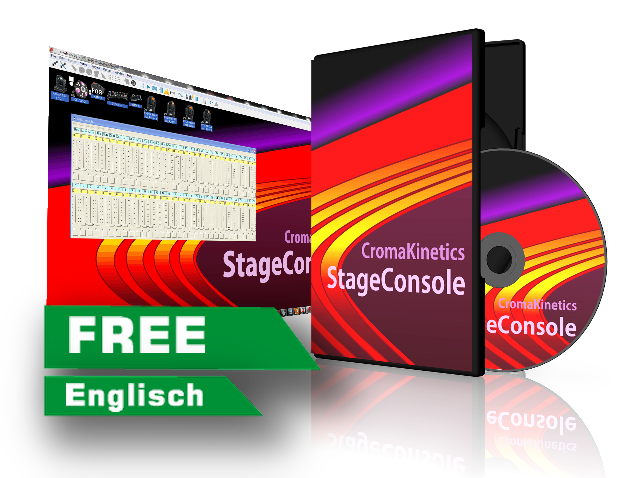
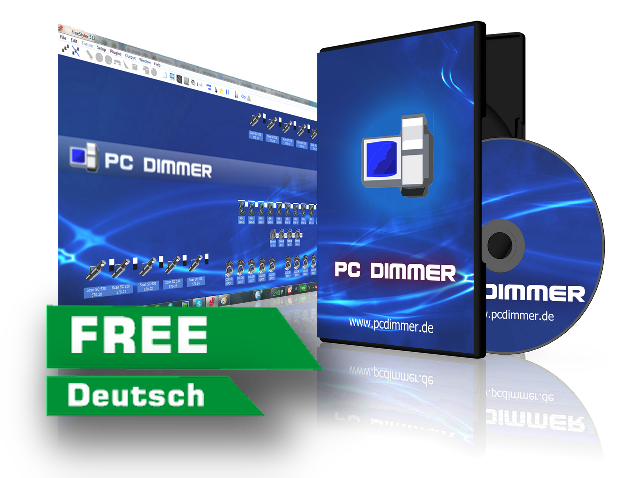

Windows ALL IN ONE driver
DMX USB driver 2.12 – for all Windows versions
MAC OS X driver
USB driver 1.2 – for all Apple OS X versions
macOS Helper
For macOS driver problems (10.11 El Capitan / 10.12 Sierra / 10.13 High Sierra)
USB2DMX driver uninstaller
Windows USB driver uninstaller 1.4 for USB2DMX PRO & OPTO
USBDMX EnergyFixer
Fixes USB dropouts under Windows 10
USB2DMX OPTO
Questions and answers
Why do I need optical isolation?
Computer and lighting rig are often on different circuits. Without isolation an equalising current flows along the DMX line – anything from dropouts in the DMX signal to a destroyed USB port. Optical isolation breaks that path completely: signals travel over a light path, current does not travel at all.
What do the blue and red LEDs mean?
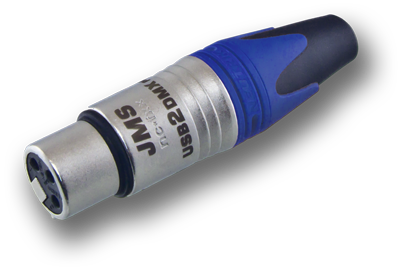
The blue LED in the XLR connector shows that the galvanic isolation is powered and active. The red LED lights up as soon as DMX signals are being sent. Together they tell you at a glance whether the interface is working.
Do I need a different driver than for the PRO?
No. PRO and OPTO use the same USB driver. Whatever is installed for one interface also works for the other.
Which software can I use?
The same as with the PRO – FreeStyler, DMXControl, QLC+, StageLight and the other programs listed below. The OPTO registers with the computer as an Open DMX device.
Not sure whether this is the right interface?
Tell us what needs to be controlled – we will tell you what fits.