








AIR2DMX PRO
At a glance
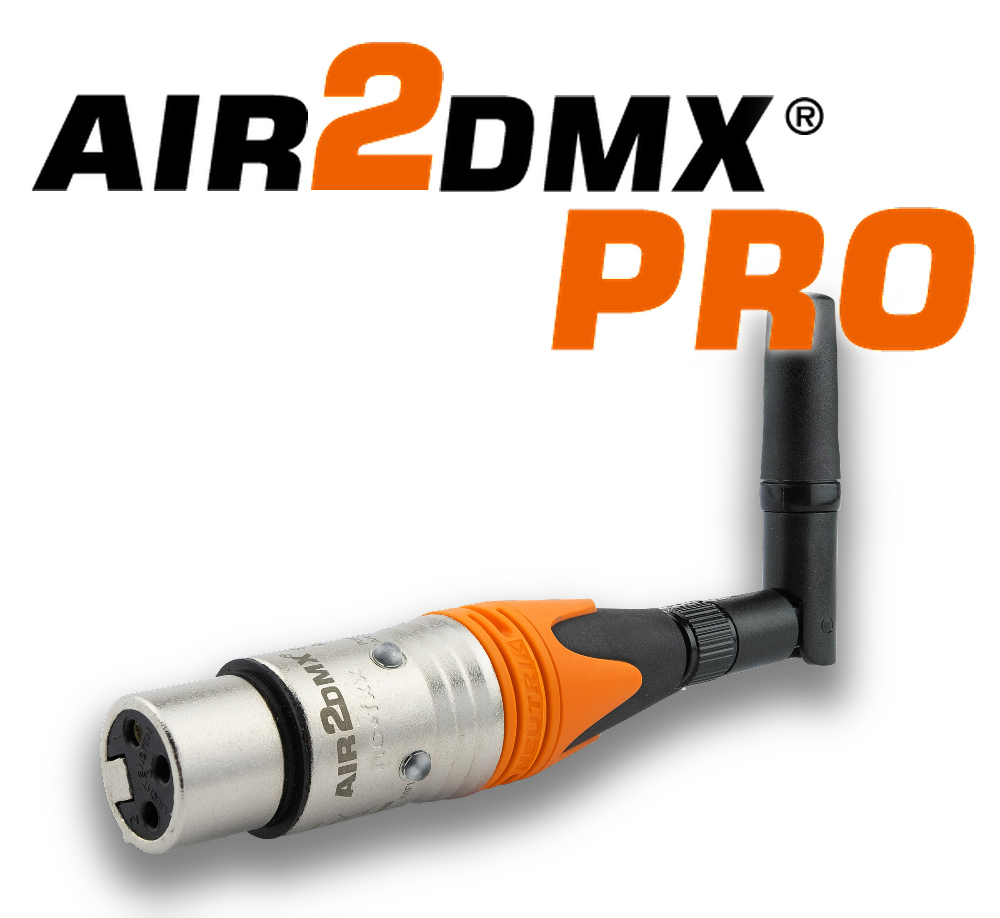
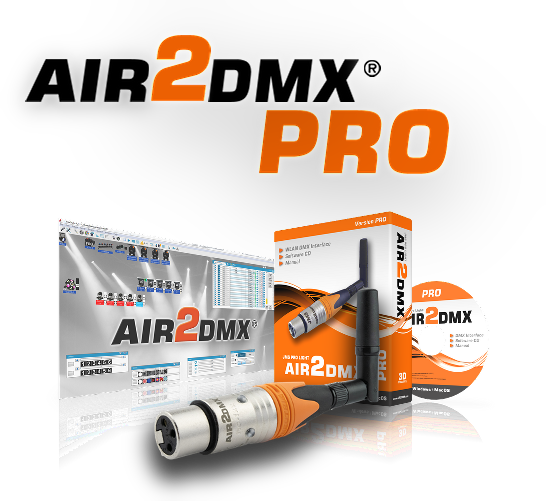
A real WLAN ArtNet interface: the AIR2DMX sits directly in the network, converts ArtNet into DMX and outputs 512 channels – with no cable to the computer and no software installation.
- Easy installationSet up through the integrated web interface
- WLAN ArtNet nodeA real node, not an adapter
- 512 DMX channelsA full universe
- Internal scene memoryOver 500 scenes, even without a computer
- Operating system independentWindows, macOS, iOS, Android, Linux
- Signal LEDsArtNet reception and DMX output at a glance
- 3 years warrantyPremium support
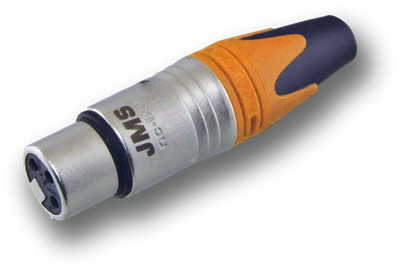
- 3-pin Neutrik XLR socketNo adapter needed
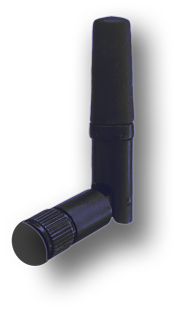
- WLAN standardIEEE 802.11 b/g/n on 2.4 GHz
- ArtNet nodesUp to 32 nodes on one network
- Ultra compact
- ArtNet protocol
- Router mode (WPA2)
- HotSpot mode
- AdHoc / stand-alone
- Made in Germany
AIR2DMX PRO
Wireless
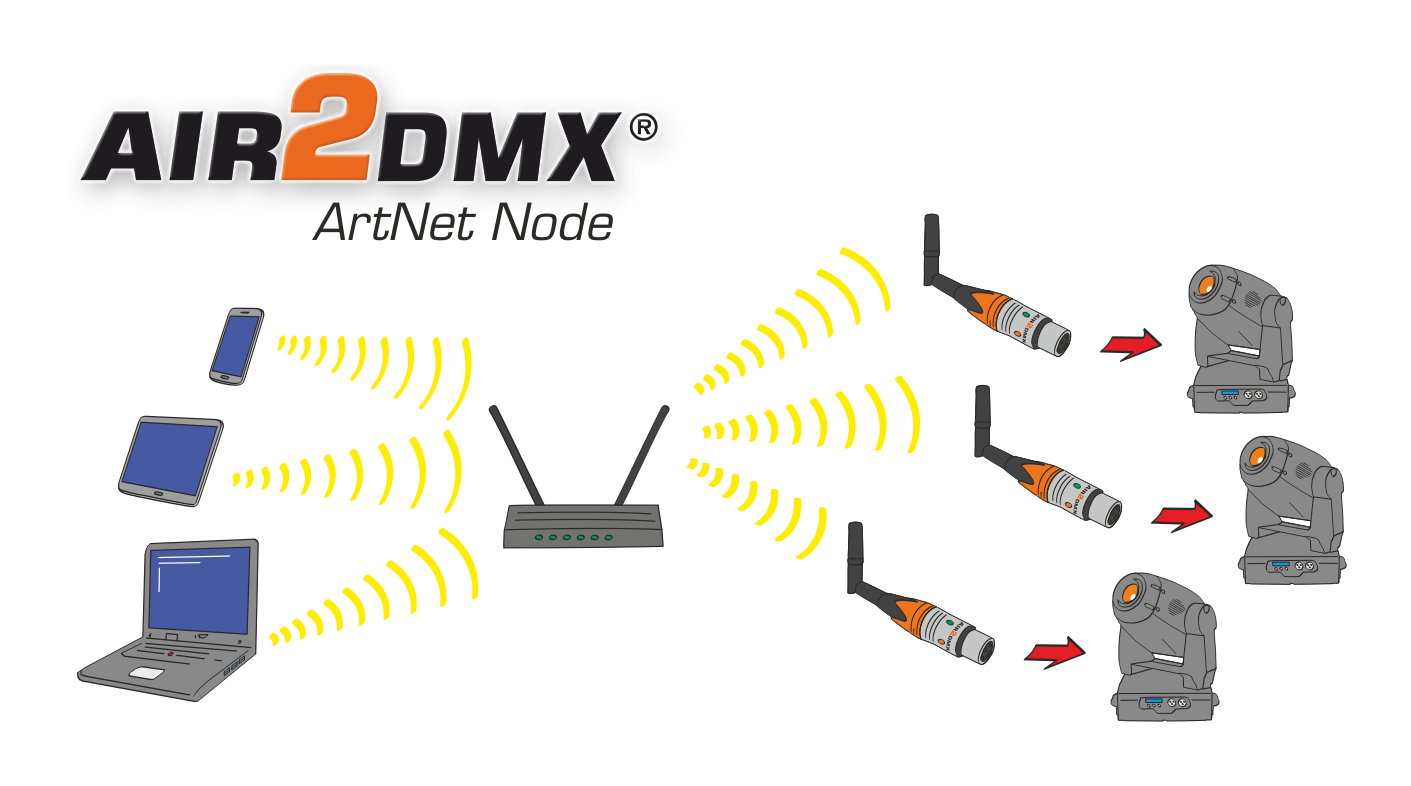
To send DMX over an IP network an IP based protocol is used: ArtNet. The AIR2DMX has a full WiFi radio link built in and receives ArtNet packets directly.
That lets you control intelligent fixtures such as moving heads as well as conventional lighting and special effects – without running a cable to the computer.
AIR2DMX PRO
PC / phone / tablet
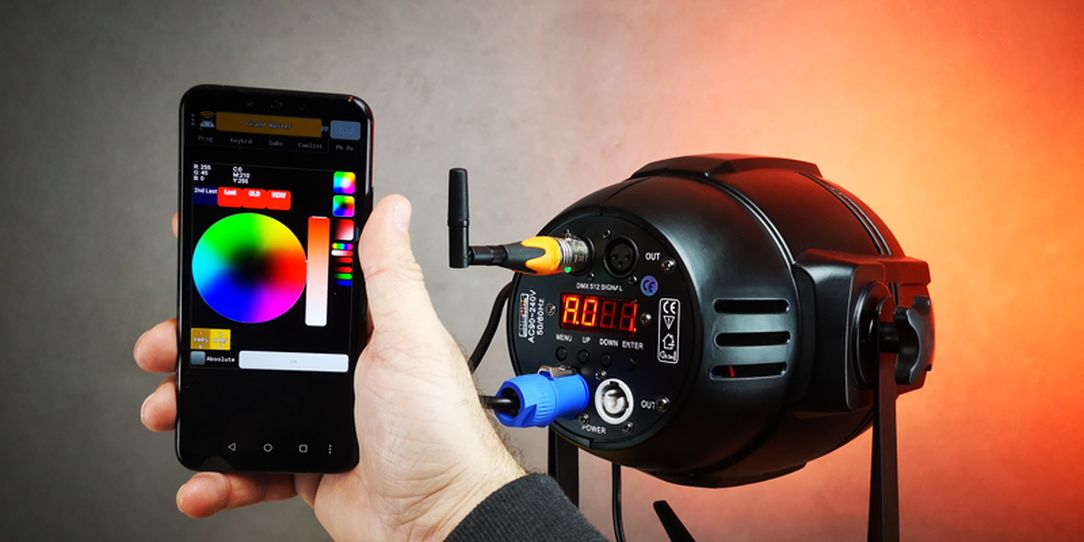
Control runs straight from a PC, phone or tablet – either over the existing WLAN or over a direct connection to the interface (HotSpot mode).
The AIR2DMX PRO is a WLAN ArtNet node: it converts ArtNet signals into DMX signals. A compact interface for DMX capable stage lighting and effects.
AIR2DMX PRO
Universal
Suitable for mobile and permanent installations: show stages, theatre, interior design, exhibition construction, trade fair stands.
It generates a DMX data stream for 512 channels (one universe) on its own – and it is set up in minutes. The user interface is meant for beginners and professionals alike.
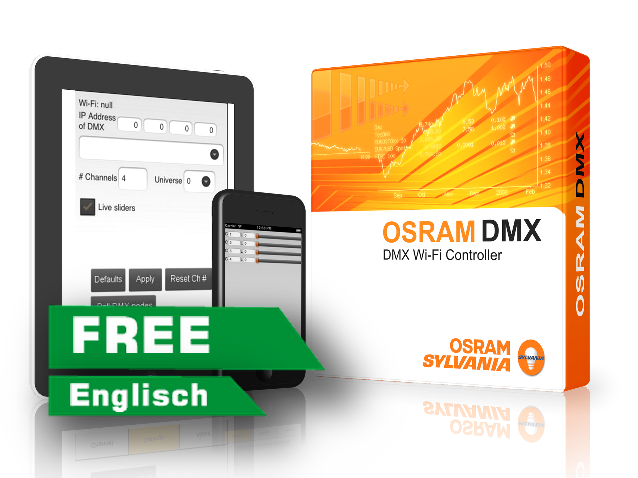
OSRAM Controller
Android DMX controller app
An implementation of the DMX protocol with ArtNet II in UDP unicast mode. Up to 512 devices and 16 universes can be controlled.
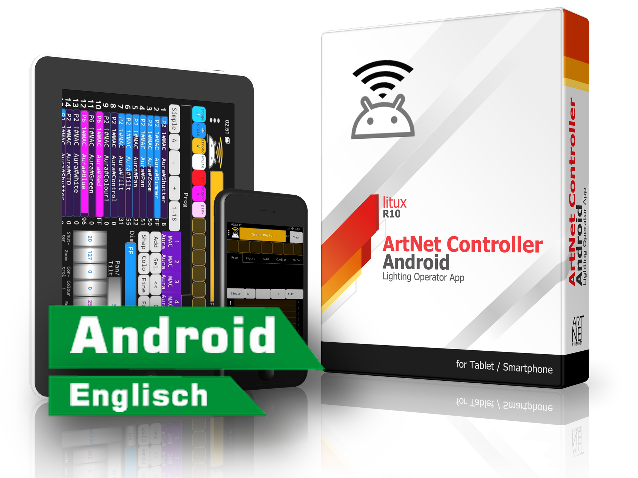
ArtNet Controller
Android DMX controller app
For testing and trying out the ArtNet protocol – and to run a simple show if the main controller fails.
AIR2DMX PRO
Questions and answers
Which operating modes are there?
Router mode: the interface joins an existing WLAN (WPA2). HotSpot mode: the interface opens its own WLAN that a computer or tablet connects to directly. AdHoc / stand-alone: the interface plays back stored scenes with no computer attached.
Do I need a driver?
No. The AIR2DMX is addressed over the network, not over USB. There is nothing to install – setup runs in the browser through the integrated web interface.
How many scenes fit into the memory?
More than 500. They can be recalled without a computer attached – useful for installations that have to run unattended.
Which software supports ArtNet?
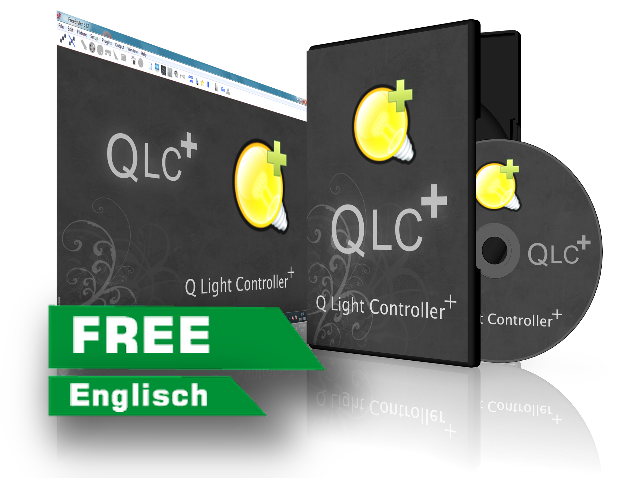
QLC+, the OSRAM Controller, StageLight, the ArtNet Controller and the other programs listed below, among others. Anything that speaks ArtNet speaks to the AIR2DMX.
Not sure whether this is the right interface?
Tell us what needs to be controlled – we will tell you what fits.