Skip to content

Stage Console

Home › Downloads › Software › Stage Console

Stage Console

At a glance

Simple DMX fader desk

Runs onWindows

  • Conventional theater lightingQuick access to all controls
  • WINDOWSXP / 7 / 8 / 10 / 11
  • transitionsmanual or automatically timed
  • Simple fader consoleEach dimmer channel directly accessible
  • Easy to use
  • 2 Scene Preset
  • 256 submaster
  • 512 dmx channels

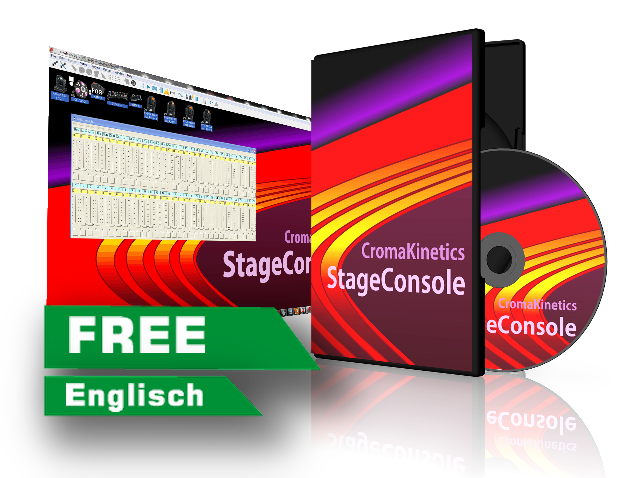
Simple 512 channel 2 scene preset light console with unlimited storage space and manual or auto-timed transitions. It also supports up to 256 Submaster. It includes a command-line keyboard interface that uses commands similar to those found on popular lighting consoles (ETC Express). This software is designed for conventional theater lighting. The software is easy to understand. It has no functions for moving lights, fancy tracking control.

Go to the manufacturer’s download page Is it right for me? View all programs

Is it right for you?

Who is StageConsole for?

StageConsole comes in a single version. Whether it is the right program therefore depends on your stage, not on a version number: the author built it for classic theatre lighting, not for moving lights.

The short answer

  • Theatre, school stage, hall with lanterns on dimmers: StageConsole fits: two rows of faders, cues with fade times, command-line input like on an ETC Express desk.
  • Moving heads, chases, disco effects: StageConsole does not fit — according to its author it has no features for that. Another program from our list is the better choice.
  • Screen smaller than 1024 × 768: The program will not start cleanly; the author names 1024 × 768 as the minimum.

Why is there no direct download here?

The author only hands out StageConsole after you enter an email address on his page. He states that the address stays private and that he only sends rare news about this program. We do not bypass that step — so the button takes you to his page, not straight to the file. The manual, on the other hand, downloads without signing up.

Download

Download StageConsole

You get the program itself on the author’s page. The details below come from there and were verified on 12 October 2026.

StageConsole

Version 1.6.3 according to our list · latest on the manufacturer’s page: beta test v1.6.12 of 28 May 2007

The file is only available on the author’s page: he asks for an email address before the download.

What the author requires
  • A Windows computer (the program is written in Visual Basic 6)
  • Screen from 1024 × 768 pixels
  • ENTTEC Open DMX USB or ENTTEC DMX USB Pro
  • With the DMX USB Pro: a COM port numbered 15 or lower
  • If the file MSCOMM32.OCX is missing, the author offers it on his page

Go to the manufacturer’s download page →

Manual

StageConsole manual

1.25 MB · 10 July 2018

The help in Windows format (.chm), packed as a ZIP. Downloads without an email address.

File: StageConsoleHelp.zip

If the help will not open: before unzipping, right-click the ZIP file, choose “Properties” and tick “Unblock” at the bottom.

Manufacturer’s page for this file

Background

More about StageConsole

What StageConsole is

StageConsole is a lighting desk for the Windows computer, written by Glenn Meader (Chroma Kinetics). It imitates a classic two-scene preset board: 512 channels, unlimited cues, manual or timed cross-fades and up to 256 submasters. Anyone who has worked on an ETC Express desk will recognise the commands of its keyboard input.

The author has released the program into the public domain and includes the source code. A show is saved as a plain text file (.shw) that you can edit in a text editor and print. The latest change on his page dates from 28 May 2007.

What you need for it

A Windows computer with a screen of at least 1024 × 768 pixels, a DMX interface and, for classic theatre lighting, dimmers your lanterns are connected to. If the connection fails, the author advises testing the interface with its maker’s test program first.

Together with our interfaces

The author names two interfaces: the ENTTEC Open DMX USB and the ENTTEC DMX USB Pro. USB2DMX PRO and USB2DMX OPTO run in other programs via the Open DMX driver model — the DMXControl wiki lists them that way, for example.

StageConsole does not speak Art-Net. For the AIR2DMX PRO, which receives DMX over Wi-Fi via Art-Net, it is therefore not the right partner.

Where to read on

This program comes from its respective manufacturer and is maintained and downloaded there. JMS Pro Light does not distribute it.

↑